Audits, Programs & Accountability
Aid & Beneficiary Field Validation
Field validation of beneficiaries and aid distribution, with the location of each visit, photographs and a reviewer's decision, under Philippine privacy rules.
In the form library
- Beneficiary Household Validation
- Agrarian Reform Beneficiaries Organization Assessment
- Relief Stockpile and Warehouse Check
- Supplementary Feeding Program Monitoring
Starter forms you copy and edit. Your copy is yours.
The problem today
Beneficiary lists are validated by visiting households, and the result decides who receives aid. When validation is on paper, the office cannot show who was visited, when, and on what basis they were included or excluded.
With InspectPH
How it works
- Validate on a structured formYour eligibility criteria as checklist items and choices; the library's agrarian reform beneficiary organisation assessment is an example.
- Record the visitThe location and time of each validation, with photographs where your rules allow.
- Decide with a trailA reviewer approves or returns each validation, and the decision stays on the record.
- Handle personal data properlyA form that collects sensitive personal information has to be declared before it can be published, and access is limited by role in the database.
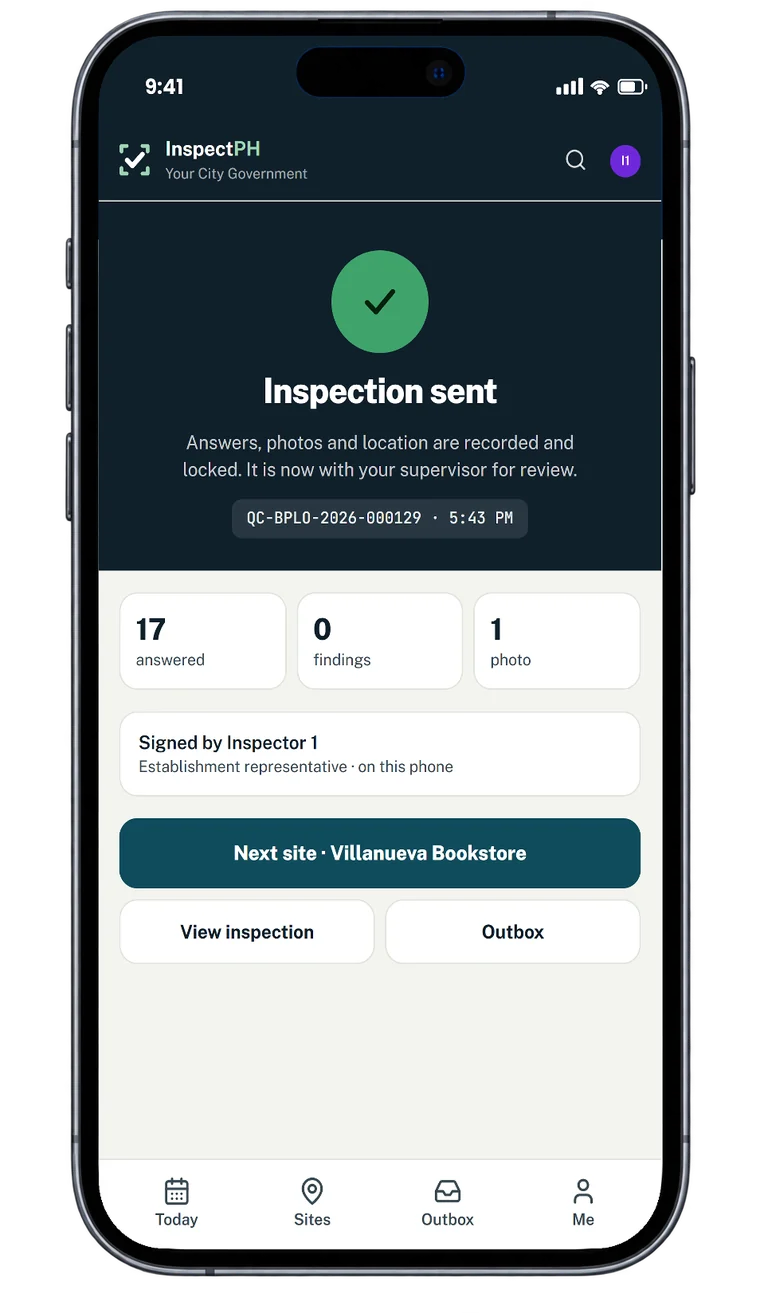
On the form
Typical checks
- Household located at the listed address
- Eligibility criteria met
- Documents presented
- Aid received as recorded
- Validator's location captured
Examples. You add, remove and reword items in the form builder.
On the Reports page
What you can see
- Validations by area
- Validations waiting for a decision
- Distribution points and their stock checks
Filtered by period, category and province, city or barangay, and exported to Excel or PDF.
Start small
Start with one office or one site.
Tell us what you inspect. We will call to confirm the details, set up your inspection types, your forms and your site list, and you run real inspections with it.
Or call +63 917 578 6060, and you will get a person, not a queue.